Login to QuantiCore | AI Trading Access
Use the secure access form to reach your account area, view saved resources, and navigate modules and pages crafted for efficiency across devices. The layout is engineered for clarity and steadiness on any screen.
New to QuantiCore? Create your account via the Sign Up page: Sign Up.
What to expect after signing in to QuantiCore
QuantiCore is designed for a straightforward experience. The bullets below describe the journey once you complete the short form on this page.
Resume from where you paused
Returning visitors will pick up exactly at the point they left off. QuantiCore saves your progress so you don’t have to start again from scratch.
Tailored content
After you sign in, QuantiCore surfaces material aligned with your interests, delivering a focused and relevant experience.
Reliable access
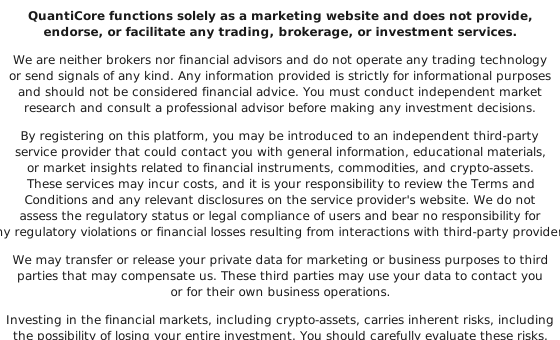
Industry-standard security safeguards your credentials. Your data is used solely for delivering the service and is not shared with unrelated parties.
Common Questions About QuantiCore
How do I sign in to my profile?
Fill out the concise form on this page to confirm details. After submission, QuantiCore guides you toward the next step.
Can't access your account — what should you do?
Resubmit the form on this page using the same email you registered with. Our team will assist you in regaining access promptly.
Must I create an account every visit?
No. If your account exists, returning is as simple as confirming your details on this page.
Is there a fee to log in?
Accessing this page is free. Any service-specific charges will be communicated clearly in advance.
How is my personal data protected?
QuantiCore employs contemporary security practices and uses data solely to deliver the service. Full details are available in the Privacy Policy.
Can I update my contact details later?
Yes. After your account is active, you can revise contact information at any time by submitting the brief form with current details.